How to Trade on Polymarket with PredyX Bot
Step-by-step guide to setting up and using PredyX — the fastest Telegram bot for trading on Polymarket. From first launch to your first trade.
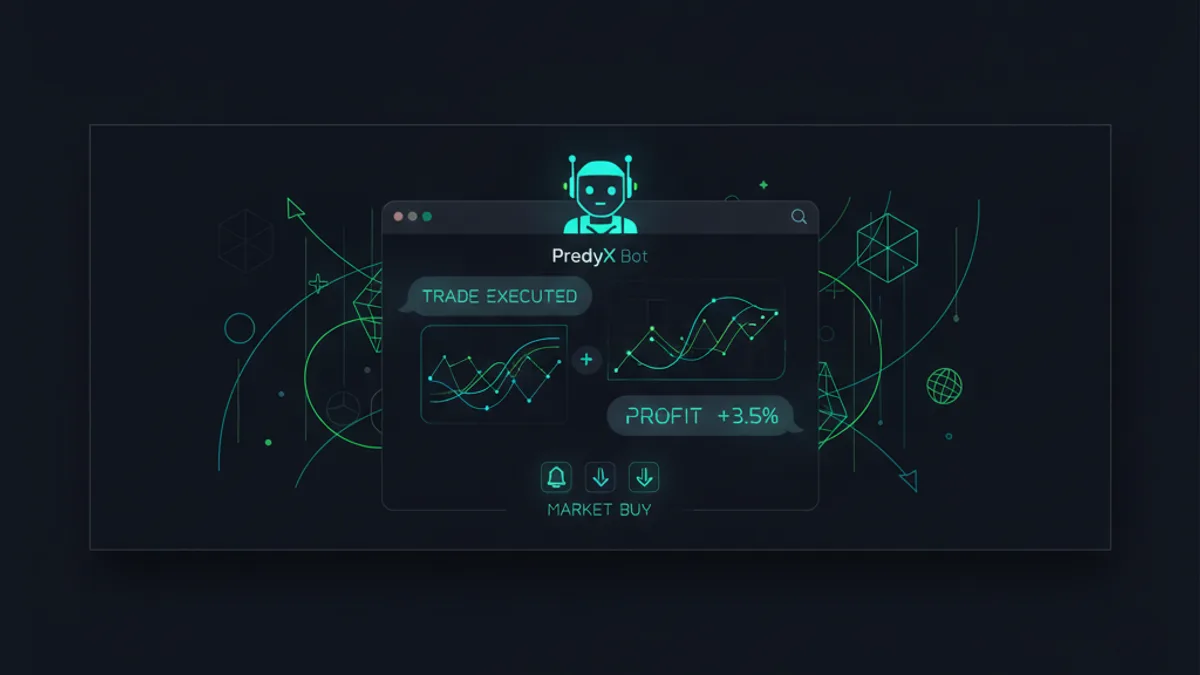
What Is PredyX?
PredyX is a Telegram-native trading bot for Polymarket. Instead of navigating a website, connecting wallets, and clicking through multiple screens — you trade directly from Telegram with simple commands.
It’s designed for speed, simplicity, and power. Whether you’re a first-time trader or a seasoned whale, PredyX gives you tools that Polymarket’s own interface doesn’t offer.
Getting Started in 60 Seconds
Step 1: Open PredyX
Search for @PredyXBot in Telegram, or click this link. Hit Start to begin.
Step 2: Fund Your Wallet
PredyX automatically creates a non-custodial wallet for you. To fund it:
- Type
/fundin the chat - You’ll receive a deposit address
- Send USDC to that address from any wallet or exchange
- Funds appear in your PredyX wallet within minutes
Your private keys are stored in secure hardware enclaves — PredyX never has access to move your funds.
Step 3: Start Trading
Once funded, you have full access to every Polymarket market:
/markets— browse active markets/copytrade— copy whale wallets/positions— view your open positions/withdraw— send USDC back to any address
Core Features
Copy Trading
The flagship feature. PredyX tracks over 1,200 whale wallets on Polymarket and lets you automatically mirror their trades.
How it works:
- Open the whale leaderboard (
/copytrade) - Pick a wallet based on win rate, ROI, or category
- Set your allocation per trade and risk limits
- PredyX mirrors every trade in under 50ms
You get Telegram notifications on every copy, with full transparency on entry price, position size, and P&L.
Whale Tracking & Alerts
Stay ahead of the market with real-time alerts:
- Whale alerts — get notified when big wallets make moves
- Price alerts — set custom thresholds on any market
- Activity detection — spot unusual on-chain patterns
All alerts arrive instantly in Telegram — no need to watch charts or refresh pages.
Limit Orders
Polymarket doesn’t natively support limit orders through its interface. PredyX does.
Set your target price with /limit, and PredyX will execute the trade automatically when the market hits your price. This is perfect for:
- Buying dips without watching the market
- Taking profit at predetermined levels
- Entering positions at specific probability thresholds
Tips for New Users
Start Small
Fund with a small amount ($10-50) and make a few manual trades first. Get comfortable with how markets work before enabling copy trading.
Use Copy Trading as Training Wheels
Watch what whales do and learn from their strategies. Over time, you’ll develop your own instincts about which markets to trade and when.
Set Risk Limits
Always configure max exposure and stop-loss settings. Markets can be volatile, and proper risk management is the difference between consistent profits and blowing up.
Check Your Positions Daily
PredyX handles execution automatically, but you should review your positions regularly. Markets change, and what looked like a good bet last week might need to be closed.
Security
PredyX is fully non-custodial:
- Your private keys are never stored on PredyX servers
- All communications are end-to-end encrypted
- You can withdraw all funds at any time with
/withdraw - No KYC required — just Telegram
Pricing
- Manual trades — no PredyX fee (standard Polymarket fees apply)
- Copy trading — flat 1% fee on copy trading volume
- Alerts and tracking — completely free
For high-volume traders, custom pricing is available. Reach out via our Telegram channel.
Ready to Start?
The fastest way to trade on Polymarket is already in your pocket. Open Telegram, search for @PredyXBot, and make your first trade in under 60 seconds.
Frequently Asked Questions
How do I start trading on Polymarket with PredyX bot?
To start trading on Polymarket with PredyX, search for @PredyXBot on Telegram and hit Start. Fund your auto-created wallet using the /fund command by sending USDC to your deposit address, and you'll have full access to all Polymarket markets within minutes.
Is PredyX bot safe to use with my Polymarket funds?
PredyX is a non-custodial trading bot, meaning your private keys are stored in secure hardware enclaves and PredyX never has the ability to move your funds. You retain full control over your wallet and can withdraw USDC to any address at any time using the /withdraw command.
How does copy trading work on Polymarket?
Copy trading on Polymarket allows you to automatically mirror the trades of top-performing whale wallets tracked by tools like PredyX. You can filter wallets by win rate, ROI, or market category, set your own allocation and risk limits, and have trades mirrored in under 50ms.
What is the best Telegram bot for trading on Polymarket?
PredyX is a leading Telegram-native bot built specifically for Polymarket trading, offering features like copy trading, whale alerts, and real-time price notifications. It lets users trade directly from Telegram without needing to navigate Polymarket's website or manually connect a wallet.
Can I track whale wallets on Polymarket without using the website?
Yes, PredyX tracks over 1,200 whale wallets on Polymarket and delivers real-time alerts directly to your Telegram when large wallets make moves. This allows traders to monitor unusual on-chain activity and react instantly without ever opening the Polymarket website.
Trade on Polymarket with PredyX
Copy proven traders, track whales, set stop-loss — all in the web terminal.
Start Trading Free →